Student Guide to Joining a Blooket Game Using Game Codes
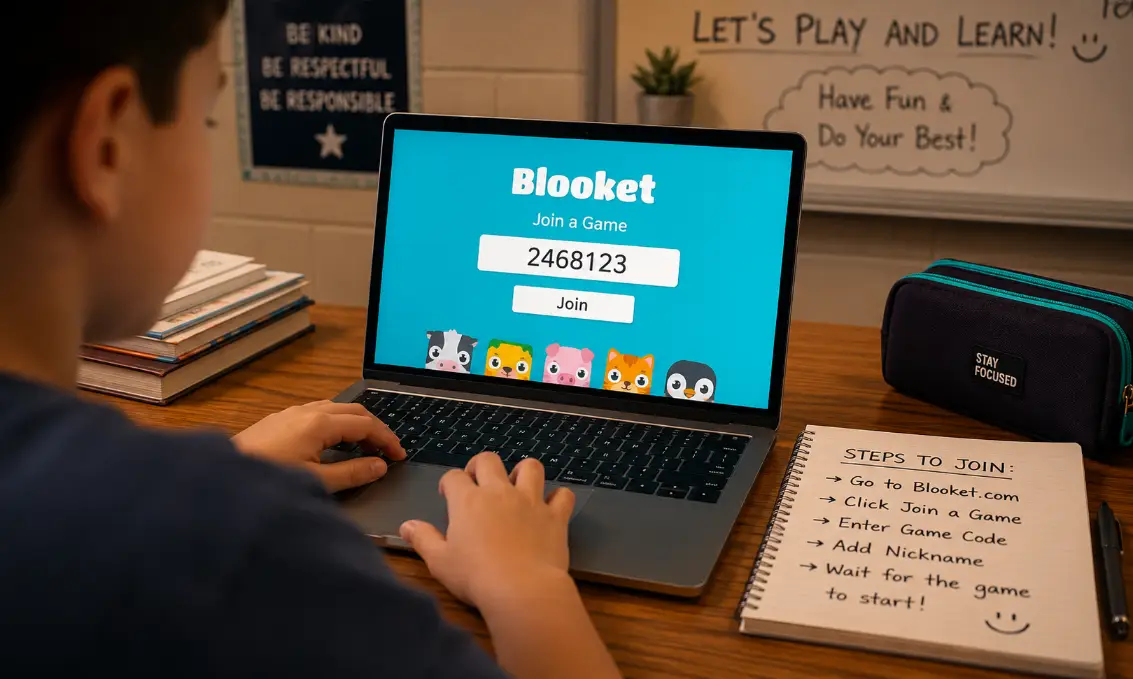
Students can quickly join classroom games on Blooket using simple game codes shared by teachers. The platform makes learning more interactive through quizzes, competitions, and team activities. By understanding how game codes work and how to enter them correctly, students can join sessions smoothly and enjoy a better learning experience every time.
Student Guide to Joining a Blooket Game Using Game Codes
Joining a Blooket game with a code is simple and only takes a few minutes. Students only need a device with internet access and the game code provided by the teacher or host.
Step-by-Step Process to Join a Blooket Game
Open the Blooket Website
Start by visiting Blooket on your browser. Students can use a laptop, desktop, tablet, or smartphone.
Click on “Join a Game”
On the homepage, find and click the “Join a Game” button. This option takes you directly to the game code entry page.
Enter the Game Code
Type the unique game code shared by your teacher. Make sure the numbers are entered correctly because even one wrong digit may stop you from joining.
Add Your Nickname
After entering the code, students are usually asked to type a nickname. Use a classroom-friendly name because teachers can see all participants.
Wait for the Game to Start
Once inside the lobby, wait for the teacher to begin the game. Some games start instantly while others may require all students to join first.
Tips for Entering Game Codes Correctly
Double-Check the Numbers
Always confirm the code before pressing enter. Many joining problems happen because students type incorrect digits.
Use a Stable Internet Connection
A weak connection can prevent the game from loading properly. Try refreshing the page if the screen freezes.
Join Quickly Before the Lobby Closes
Some teachers lock the game after enough students join. Enter the code as soon as you receive it.
What Are Blooket Game Codes?
Blooket game codes are temporary numeric codes created when a teacher hosts a live game. These codes act like invitations and allow students to access the correct classroom activity.
Every live session has a different code. Once the game ends, the code usually expires and cannot be reused. This system helps keep games organized and secure.
Why Teachers Use Game Codes
Easy Classroom Access
Teachers can quickly invite students without creating individual accounts for every game session.
Better Classroom Control
Game codes allow only invited participants to enter the activity.
Fast Setup for Interactive Learning
Students can join within seconds, which saves class time and keeps lessons engaging.
Common Problems Students Face While Joining
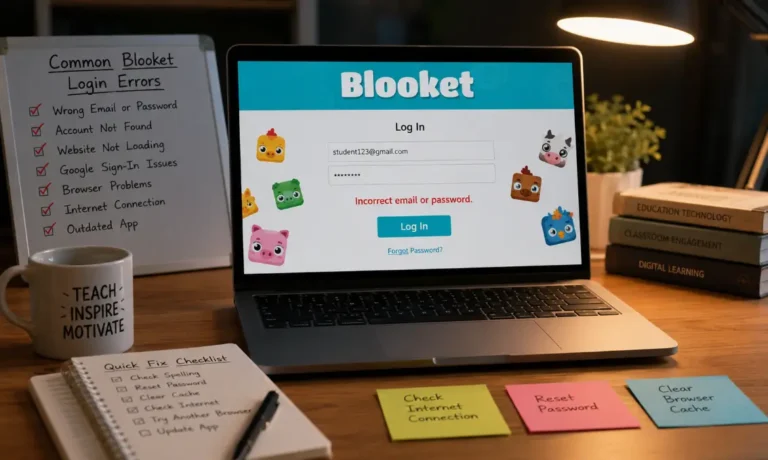
Sometimes students experience issues while trying to enter a game. Most problems are easy to solve with simple troubleshooting steps.
Invalid Game Code Error
This message appears when the code is wrong or expired. Ask the teacher to confirm the latest code.
Slow Loading Screen
Refresh the browser or reconnect to Wi-Fi if the game page takes too long to load.
Nickname Rejected
Certain nicknames may be blocked because of inappropriate words or duplicate names. Try a different nickname.
Device Compatibility Issues
Older browsers or devices may not work smoothly. Updating the browser often fixes the issue.
Best Devices for Playing Blooket Games
Blooket works on many devices, but some provide a better experience than others.
Laptops and Desktop Computers
These devices offer larger screens and easier controls, especially for quiz-based modes.
Tablets
Tablets are portable and convenient for classroom activities.
Smartphones
Phones work well for quick participation, although smaller screens can make some game modes harder to play.
How Students Can Prepare Before Joining a Game
Being prepared helps students avoid delays and enjoy the game fully.
Charge Your Device
Low battery can interrupt gameplay during important classroom sessions.
Keep the Browser Updated
Modern browsers improve speed and reduce loading problems.
Join Early
Entering the lobby a few minutes early helps avoid missing instructions.
Classroom Benefits of Using Blooket Game Codes
Blooket has become popular because it combines learning with fun gameplay. Game codes make the process easy for both teachers and students.
Encourages Student Participation
Students often feel more motivated when lessons include games and rewards.
Makes Learning Interactive
Quiz competitions help students stay focused during lessons.
Supports Team Activities
Teachers can organize collaborative learning through team game modes.
Reduces Classroom Stress
Fun activities create a more relaxed learning environment for students.
Safety Tips for Students While Playing Blooket
Online classroom games should still follow safe internet practices.
Never Share Personal Information
Students should avoid using full names, addresses, or personal details in nicknames.
Use Respectful Language
Classroom games should remain friendly and respectful for everyone.
Follow Teacher Instructions
Teachers may have specific rules about nicknames, participation, or game behavior.
Different Types of Blooket Games Students Can Join
Blooket offers several exciting game modes that use the same joining process through game codes.
Quiz-Based Games
Students answer questions to earn points and rewards.
Team Challenges
Groups compete together instead of individually.
Strategy Modes
Some games include strategy elements where students manage resources while answering questions.
Homework Assignments
Teachers can also assign games as homework using separate links or codes.
How Teachers Usually Share Game Codes
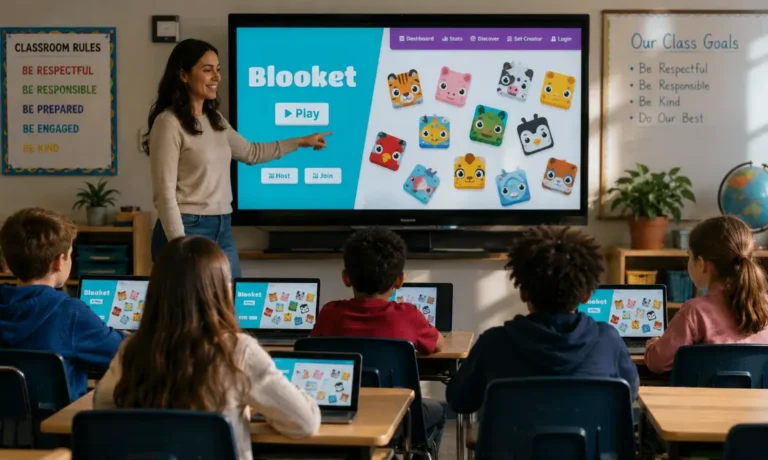
Students may receive game codes in different ways depending on the classroom setup.
Classroom Whiteboard
Teachers often write the code on the board for everyone to see.
Video Calls
Online teachers may share the code during virtual classes.
Classroom Chat Platforms
Codes can also be sent through apps like Google Classroom or Microsoft Teams.
Ways to Improve Your Blooket Experience
Students can make gameplay more enjoyable by using a few simple strategies.
Read Questions Carefully
Avoid rushing through questions because mistakes can reduce scores.
Stay Focused During Fast Modes
Certain game modes move quickly, so concentration is important.
Practice Different Subjects
Regular practice improves speed and confidence in classroom quizzes.
Learn the Game Rules
Every mode has slightly different gameplay mechanics, so understanding the rules helps students perform better.
Frequently Asked Questions
Can students join Blooket games without creating an account?
Yes, many live games allow students to join directly with only a game code and nickname.
Do Blooket game codes work forever?
No, most codes expire after the hosted game session ends.
Can two students use the same nickname?
Usually, duplicate nicknames are not allowed in the same game lobby.
Is Blooket free for students?
Yes, students can join and play most classroom games for free.
Can teachers remove students from a game?
Yes, teachers can remove participants if necessary during live sessions.
Final Verdict
Joining a Blooket game using a game code is one of the easiest ways for students to participate in interactive classroom learning. The process is fast, beginner-friendly, and works on almost any device. By entering the correct code, using a stable internet connection, and following classroom rules, students can enjoy fun educational games without unnecessary problems or delays.