How to Use Homework Mode in Blooket for Remote Learning
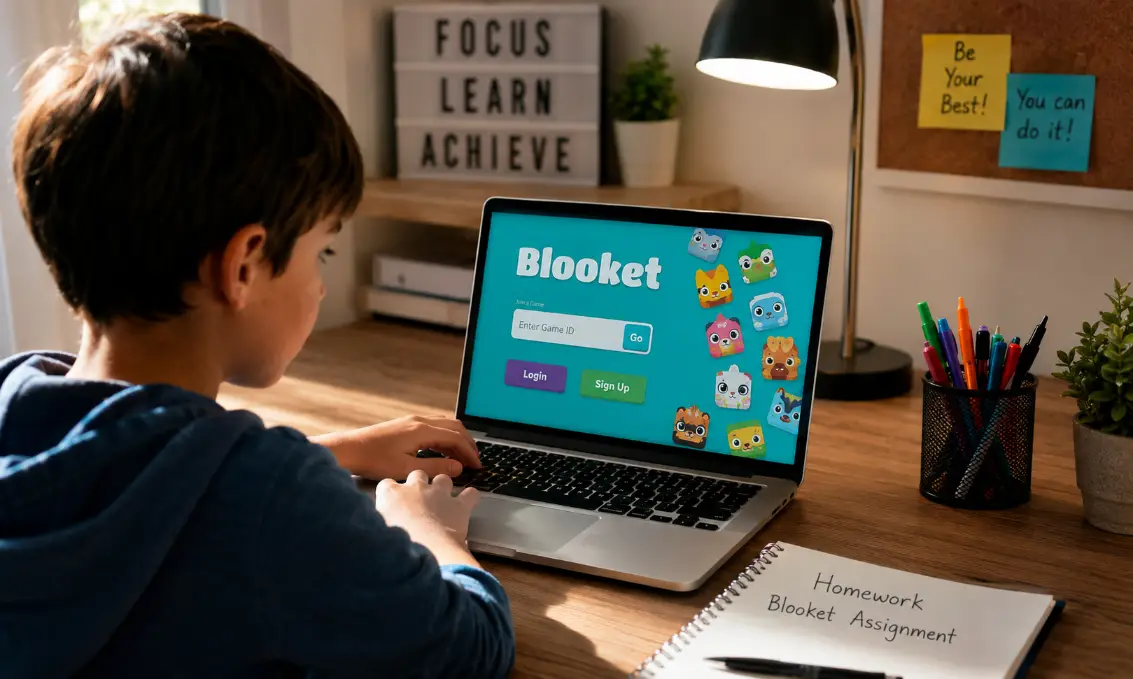
Remote learning can feel challenging for both teachers and students, especially when lessons become repetitive. Homework Mode in Blooket makes online learning more interactive by allowing students to complete assignments at their own pace. It combines quizzes with fun game modes, helping teachers keep students engaged even outside the classroom.
How to Use Homework Mode in Blooket for Remote Learning
Using Homework Mode in Blooket is simple and effective for online teaching. Teachers can assign educational games as homework, and students can complete them anytime before the deadline. This flexibility is ideal for remote learning because students may have different schedules and internet availability.
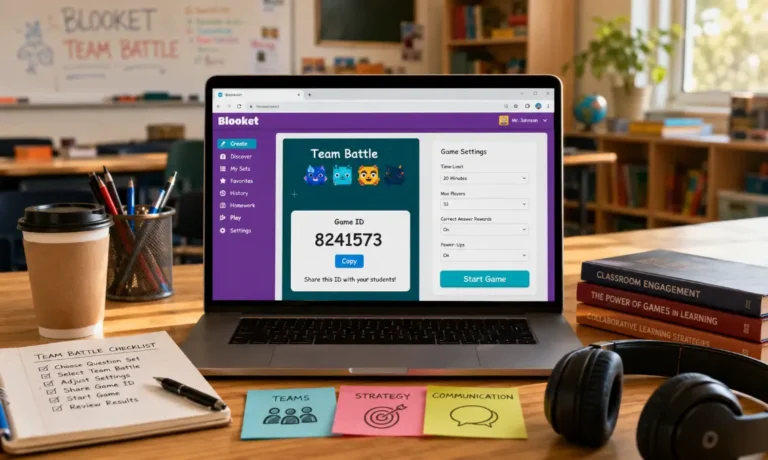
First, log in to your Blooket teacher account and select a question set. You can either create your own quiz or use public sets available on the platform. After selecting the quiz, click the “Host” button to choose a game mode.
Instead of selecting live play, choose “Homework.” Then set the assignment details, including the due date, goal type, and the number of questions students must complete. Once the settings are ready, Blooket generates a unique homework code and shareable link.
Send the code or link to your students through email, messaging apps, or your school’s learning platform. Students can join from home using any device with internet access. After completion, teachers can review scores, participation, and accuracy from the dashboard.
This method keeps students involved in learning while reducing the stress of fixed schedules during remote education.
Why Homework Mode Works Well for Online Learning
Homework Mode is designed to support flexible education. Students can participate from different locations without needing to join at the same time. This is especially useful for schools with hybrid or remote classrooms.
Another advantage is student motivation. Many learners enjoy game-based activities more than traditional worksheets. The colorful visuals, rewards, and competition encourage students to stay active during lessons.
Teachers also benefit because the system automatically tracks progress. Instead of grading everything manually, educators can quickly check who completed assignments and identify weak areas.
Homework Mode also supports independent learning. Students can retry questions, improve scores, and learn from mistakes without classroom pressure.
Setting Up an Effective Homework Assignment
Choose the Right Game Mode
Some Blooket game modes are better for homework than others. Modes that focus on individual progress work best because students complete them independently. Pick a mode that matches your lesson objectives and student age group.
Set Realistic Deadlines
Remote learners may face internet issues or different home schedules. Give students enough time to finish assignments comfortably. A deadline of one or two days often works better than only a few hours.
Keep Assignments Short and Focused
Long assignments can reduce student interest. Instead of adding too many questions, focus on one topic at a time. Short quizzes usually improve completion rates and understanding.
Share Clear Instructions
Explain how students should access the homework and what they need to do. Simple instructions prevent confusion, especially for younger students or first-time users.
Best Practices for Teachers Using Blooket Remotely
Combine Learning With Fun
Blooket works best when learning feels enjoyable. Mix educational questions with engaging game modes to keep students excited about assignments.
Review Reports Regularly
After students finish homework, check the analytics dashboard. Look for common mistakes and topics students struggle with. This helps you adjust future lessons more effectively.
Encourage Friendly Competition
You can motivate students by recognizing top performers or improvement. Small rewards, certificates, or classroom shout-outs can increase participation.
Use Different Question Types
Avoid repeating the same style of questions in every assignment. Include true or false, multiple choice, and problem-solving questions to maintain interest.
Benefits of Homework Mode for Students
Students often enjoy Homework Mode because it feels less stressful than traditional homework. The gaming environment makes learning more interactive and enjoyable.
Another benefit is flexibility. Students can complete assignments whenever they have free time, which supports different learning routines and home situations.
Homework Mode also encourages self-paced learning. Some students learn quickly, while others need extra time. This system allows everyone to work comfortably at their own speed.
Instant feedback is another advantage. Students can often see results immediately, helping them understand mistakes faster and improve performance.
Common Challenges and Simple Solutions
Students Forget Assignment Codes
One common issue is students losing the game code. Teachers can solve this by sharing the direct homework link instead of only the code.
Internet Connectivity Problems
Remote learners may experience unstable internet. Giving longer deadlines and allowing multiple attempts can reduce stress caused by technical problems.
Low Student Participation
If students are not completing homework, try using shorter quizzes or more engaging game modes. Adding rewards or classroom recognition can also increase participation.
Overuse of Game-Based Learning
While Blooket is fun, balance is important. Combine it with discussions, videos, reading activities, and other teaching methods for better learning results.
Tips for Parents Supporting Remote Learning
Parents play an important role in helping children stay focused during online education. Encourage children to complete Blooket assignments in a quiet learning space without distractions.
It also helps to create a homework schedule. Regular study routines improve consistency and reduce procrastination.
Parents should monitor screen time while ensuring children understand that educational games are part of learning, not only entertainment.
Communication with teachers is also important. If technical issues or learning difficulties occur, parents should inform educators quickly.
How Blooket Improves Student Engagement
Traditional remote lessons can sometimes feel repetitive. Blooket changes the experience by adding excitement and interaction to learning activities.
Game rewards, leaderboards, and competition encourage students to participate more actively. Many students who normally avoid homework become more interested when lessons include gaming elements.
The platform also creates a positive classroom atmosphere, even during remote learning. Students feel connected through shared activities and friendly challenges.
This increased engagement often leads to better focus, improved participation, and stronger learning outcomes.
Using Blooket Alongside Other Learning Tools
Blooket works well when combined with video conferencing platforms and digital classrooms. Teachers can introduce a lesson during a live session and then assign Blooket homework afterward for review.
It can also support test preparation. Teachers may use quiz sets before exams to help students practice important topics in a less stressful way.
Many educators combine Blooket with assignments, reading tasks, and classroom discussions to create balanced online lessons.
Frequently Asked Questions
Can students play Blooket homework more than once?
Some teachers allow multiple attempts so students can improve their scores and understanding.
Does Homework Mode require students to create accounts?
Students can usually join with a game code without creating a personal account.
Is Blooket suitable for younger children?
Yes, younger students often enjoy the visual and interactive learning style.
Can teachers track incomplete assignments?
Teachers can view participation reports to see which students have not finished homework.
Final Verdict
Homework Mode in Blooket is a valuable tool for making remote learning more engaging, flexible, and organized. Teachers can easily assign interactive activities, while students enjoy a less stressful learning experience. When used thoughtfully alongside other teaching methods, it can improve participation, motivation, and overall learning success in online classrooms.